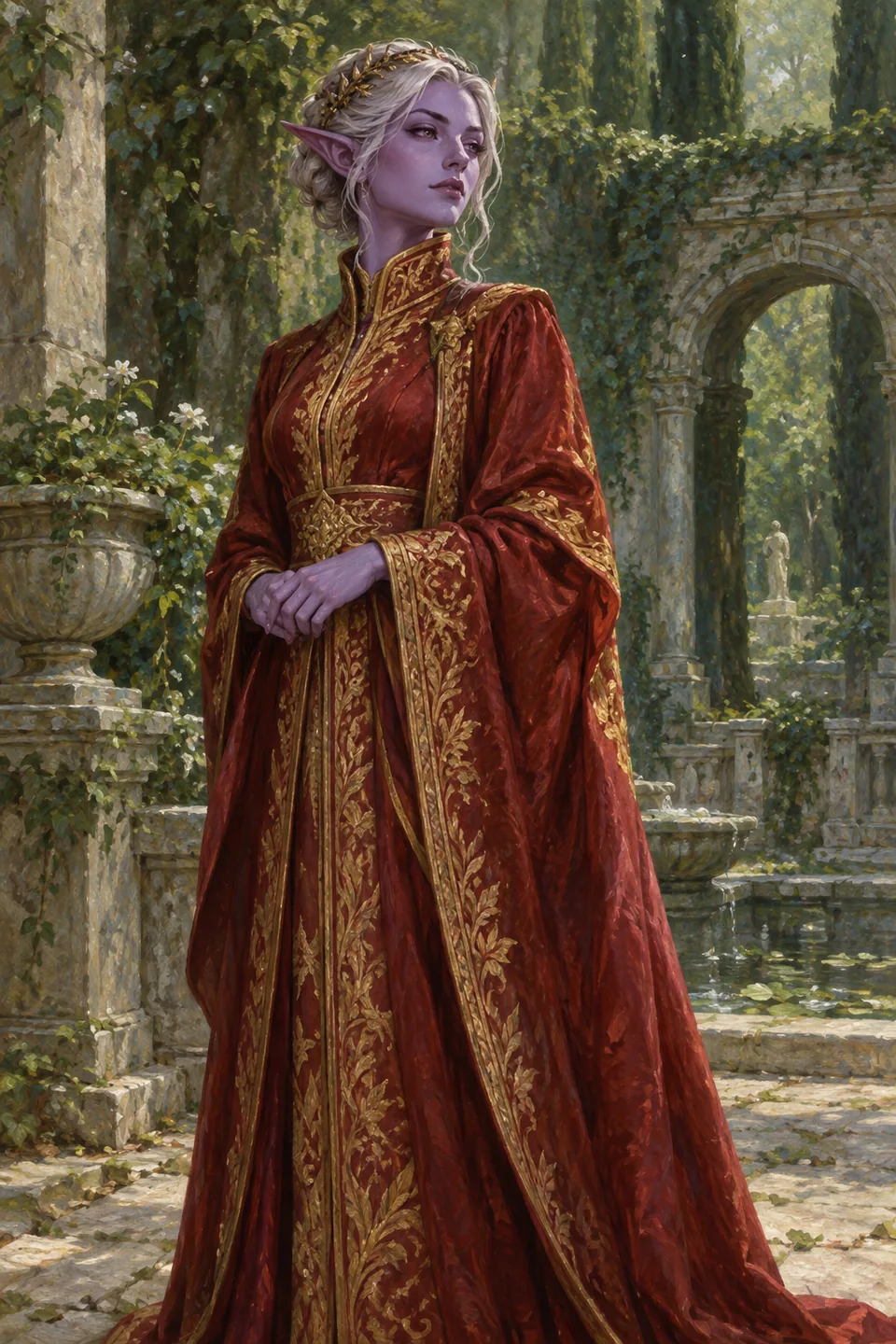
Appearance, details, personality
Work through the three editor steps to describe how your character looks, who they are and how they speak. Preview the profile as you go. A reference image can help guide appearance, but generated likeness is not guaranteed.
Start with a useful opening
Give your character a clear setting and an opening message that invites a response. A few specific interests and habits are easier to build a conversation around than a long list of unrelated traits.
Keep your draft
You can return to unfinished characters through My characters and Drafts. Check the save status before leaving. If saving fails, keep your work and use the recovery offered by the editor.
Keep ownership clear
Your personal characters are private to your account. Saving a character for chat does not publish it to a public community directory. Existing characters remain available for chat and manual editing subject to account and service availability.
Ready for the next step?