Decide whether you need a first frame
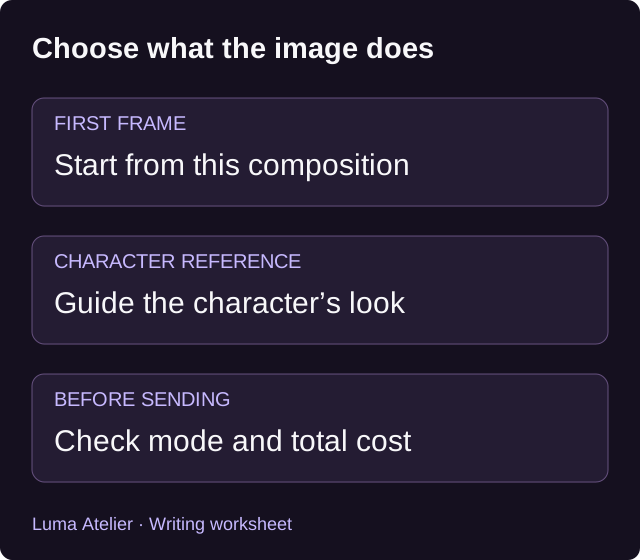
A first frame is the picture you want the video to begin from. A character reference supplies appearance information while allowing the scene and composition to be rearranged. In Luma Atelier, choose the supported video mode for the task you have in mind; an existing character picture is not automatically a first frame.
In chat, the supported first-frame flow can reuse an eligible image from the conversation or generate a new first frame. Review the options currently shown. Creating a new image can add a generation step and cost; reusing one does not itself mean a new image has been generated. The accepted quote determines the task’s price.
Describe movement in plain language
Runway’s official image-to-video guide recommends describing motion, camera work and progression while the input image supplies visual context. That is guidance for Runway. We use the distinction here as a writing aid; it does not establish which model Luma Atelier runs or guarantee the same behavior across services.
Read Runway’s image-to-video prompting guide
For a first attempt, choose a visible action and state whether the camera moves. Keep the requested action small enough to judge in the selected duration. A single prompt asking someone to stand, cross a room, open a door and enter another scene gives you several transitions to evaluate at once.
Prompt: a quiet portrait
The adult character slowly turns their head toward the window and pauses. Their shoulders remain relaxed. The camera holds its position for the entire shot.
Use a starting picture whose composition already suits a portrait. After generation, check the face during the turn, not only in the opening frame. If the expression or likeness changes, note the point at which it happens before deciding whether to simplify the movement or choose a different input.
Prompt: one small gesture
The adult archivist gently closes the notebook on the desk, then rests one hand beside it. The camera stays fixed in a medium shot.
Choose an image that shows the relevant hand and notebook clearly. Runway’s guide notes that defects in an input image can become more noticeable during animation. Inspect those areas before submitting. The prompt is an original example, and no output from it has been tested here.
Prompt: a camera move
The camera slowly moves closer to the adult character standing at the observatory window. The character remains in place, looking outside. The shot continues without a cut.
This brief assigns most of the movement to the camera. Review whether the shot keeps the subject framed as intended and whether the background changes unexpectedly. A request for a continuous shot is an instruction, not a guarantee against cuts or visual artifacts.
Plan a longer scene as separate shots
Write down the scene’s intended beats before generating. You might want an establishing view and then a closer reaction. Treat those as separate creative decisions, using only the tools and durations currently supported. This is a planning method; the article does not promise an automatic multi-shot editor in Luma Atelier.
Separate requests can produce different appearances, so compare the results before combining them elsewhere. Keep the relevant character description and source image with your notes. A consistent brief makes changes easier to track, even when it cannot guarantee consistent output.
Check the cost and keep the task record
Video generation uses credits and is priced by duration under the current configuration. A new first-frame generation can add image cost. Check the complete displayed quote before sending, then follow the existing task’s status if the connection drops. A slow response does not tell you whether a task has failed.
Watching platform-published videos follows separate viewing rules. Generating your own clip does not use that viewing allowance as a substitute for generation charges. Use the current pricing page for available costs; these examples contain no fixed price or promised completion time.
Sources and product details
Ready for the next step?